Free, self-hosted family tree software
The stories told at the kitchen table, kept for good.
One place for your family tree, the old photos and the voices of the people you love. Everyone adds what they remember. It lives on your own computer or server, so it belongs to your family, not to a company.
Free and open sourceOn your computer or serverRelatives just open a link
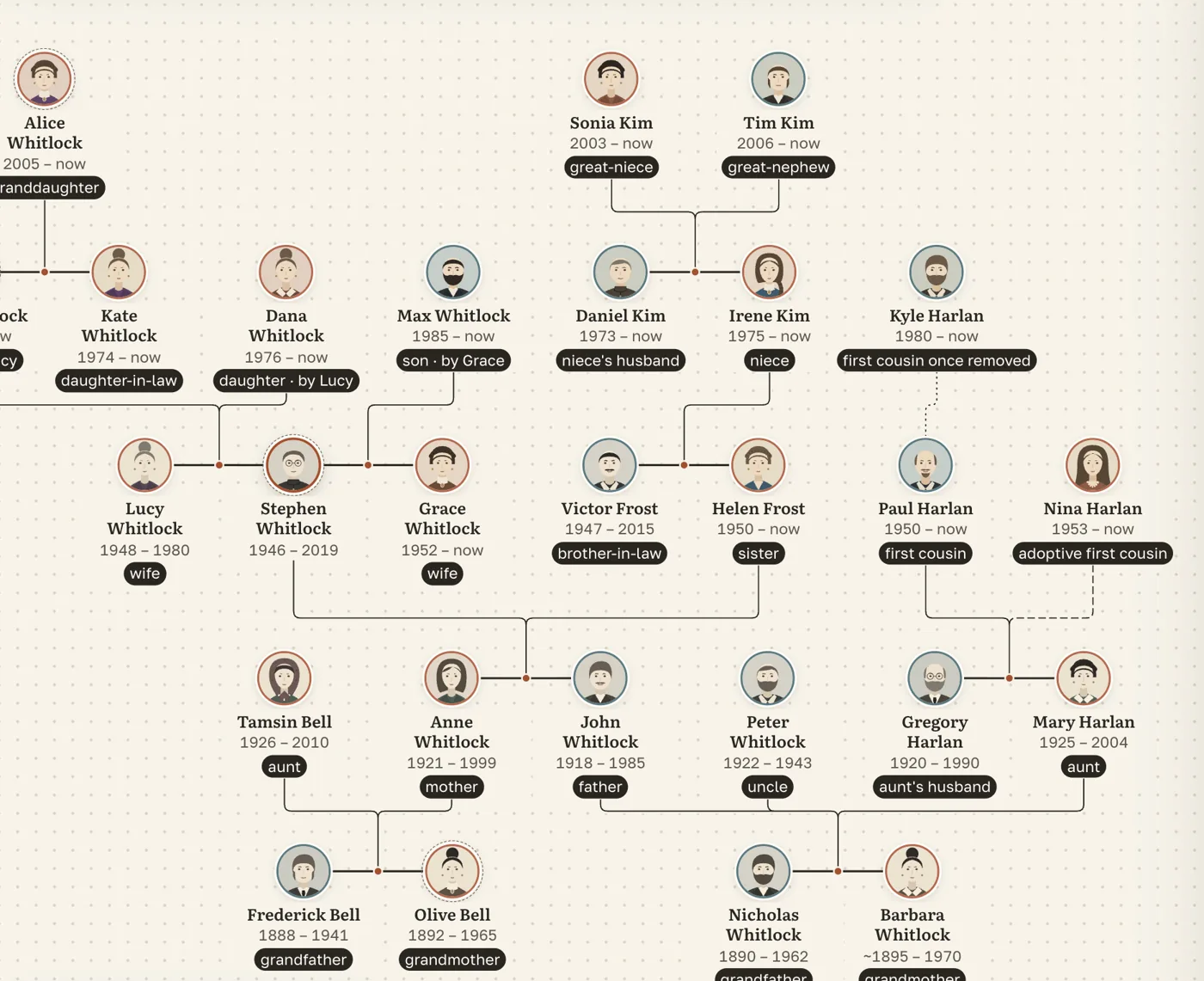

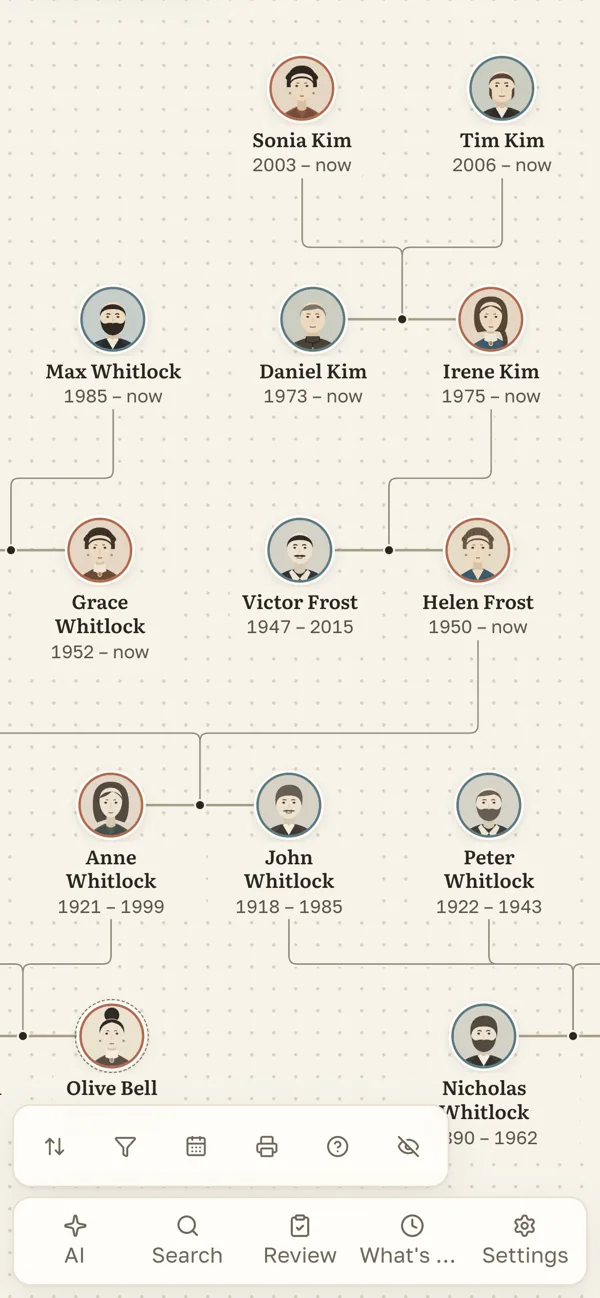
Real screens. The family is invented.
Chapter one
Your family’s history is scattered across ten places. Bring it into one.
A four-minute voice note from Grandma, buried in the family chat from 2021
Old photos on an aunt’s phone and in a shoebox at Mum’s
A tree drawn in a notebook twenty years ago
Two birth dates for a great-grandfather, and nobody remembers which came from where
 One archive the whole family keeps
- Grandma’s story on her page
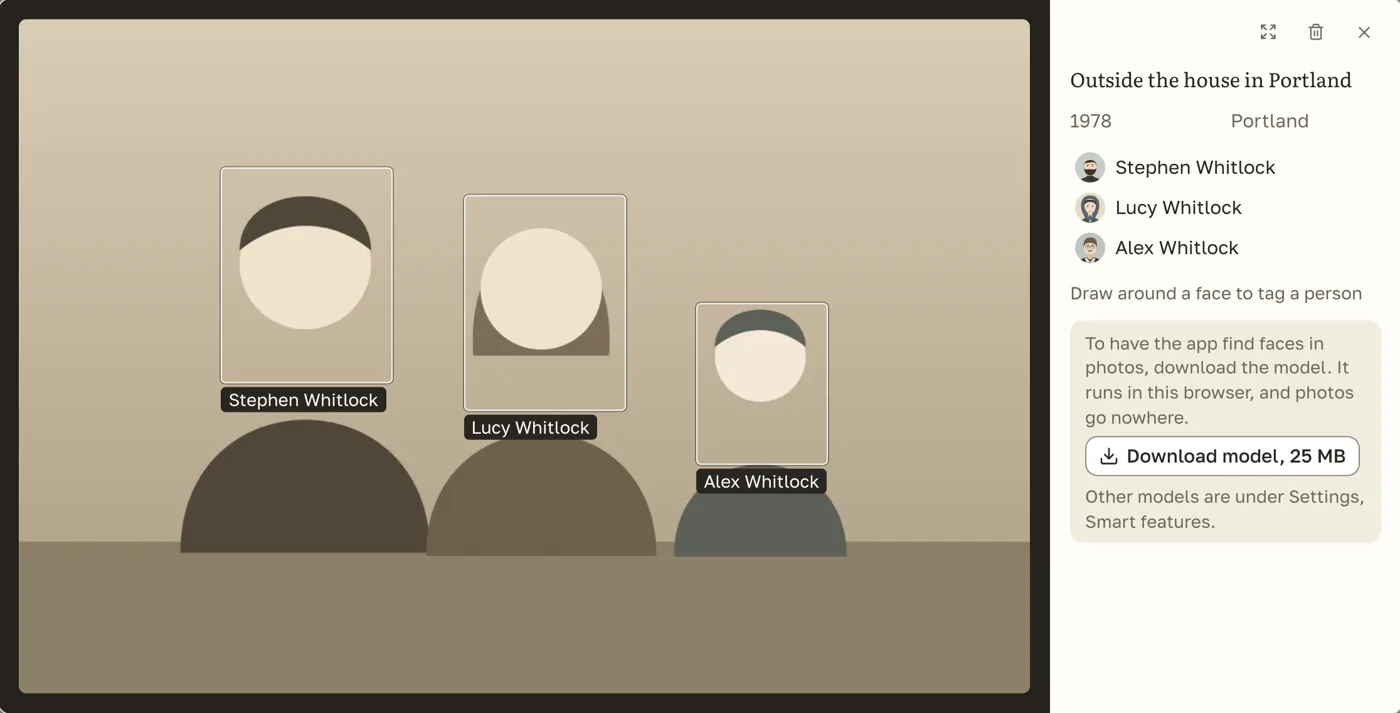
- Photos from everyone, faces marked
- Each person sees who is who to them
- Both dates kept, each with its source
Chapter two
Ask them while you still can.
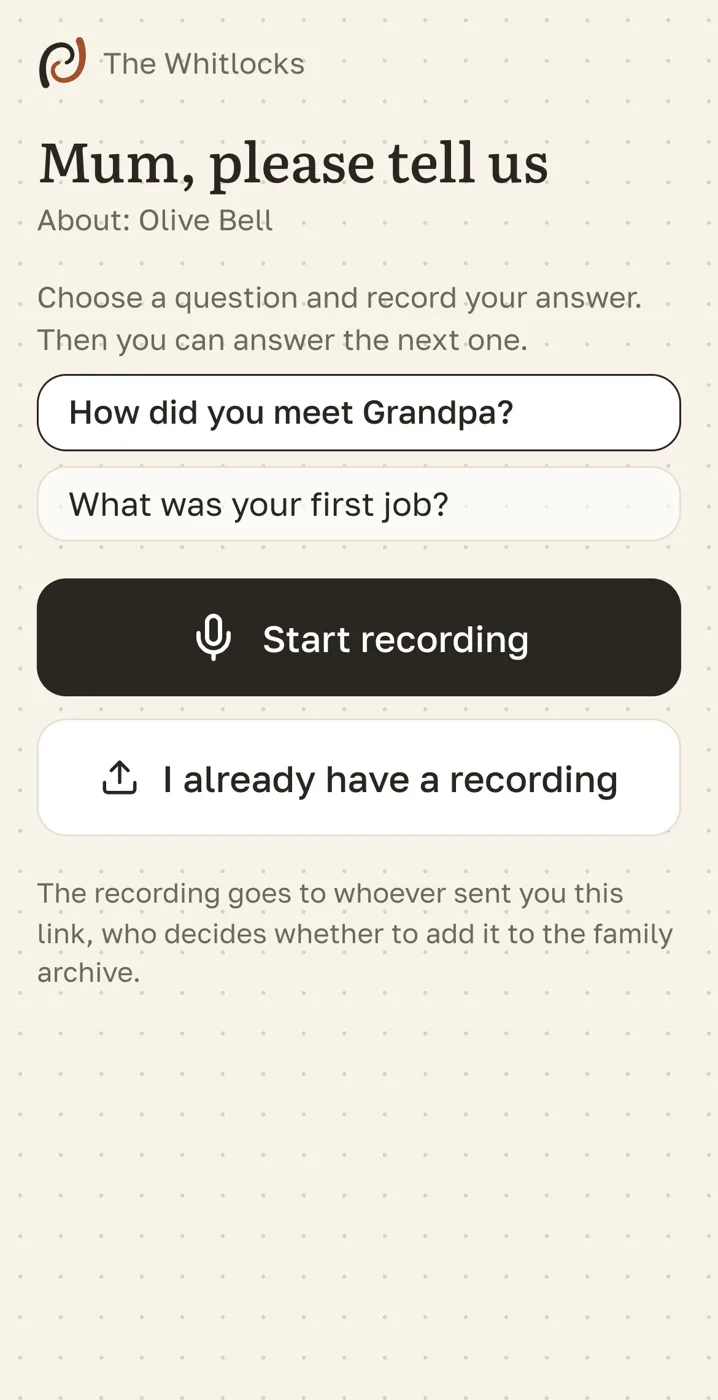
Grandparents will not be here forever, but their voice can stay. Send a question today: they answer from their phone, in their own words, and the story stays in the family.
- You send a link
- They tap and talk
- You check it
- It lands on their page
Chapter three
Your family is yours. Not even we can see it.
Family history outlives companies, prices and terms of service. Folkbranch keeps nothing anywhere but on a machine you choose: one database file and a folder of photos.
No subscription
The app is free. A rented server is the only bill, if you want one.
Nobody can close it
Open source. It keeps working even if we stop.
Take it all, any time
A full copy in one click. GEDCOM in and out.
You decide who sees what
Readers, editors, guest links. Living relatives stay private.
family.dbphotos/backups/At home, on a rented server, or on Railway, Render or Fly.io. Moving house means copying one folder.
Chapter four
An assistant that knows your family, and asks before it writes anything down.
Ask in plain words. Paste a page of Grandpa’s notes and it turns them into people and dates. Or let Claude or Codex run the archive for you.
assistant · illustration
Who in the family was born in Portland?
Stephen Whitlock, in 1946. His biography says his father John worked at the shipyard there.
Then add the shipyard to John’s facts.
Your own AI can run it
Claude, Codex and other AI tools connect with a key you hand out. Their edits wait in a review queue.
Faces and voice, on your device
Faces on old photos are found in the browser; recordings become text.
The cloud assistant is off until you add a key. When it is on, what it reads goes to the provider you picked.
Chapter five
Everything a family archive needs, and a few things the big services leave out.
A family tree maker, a photo archive with face recognition and a voice recorder for stories. One app, on any phone or computer, and genealogy software at heart: GEDCOM in and out, so nothing is locked in.
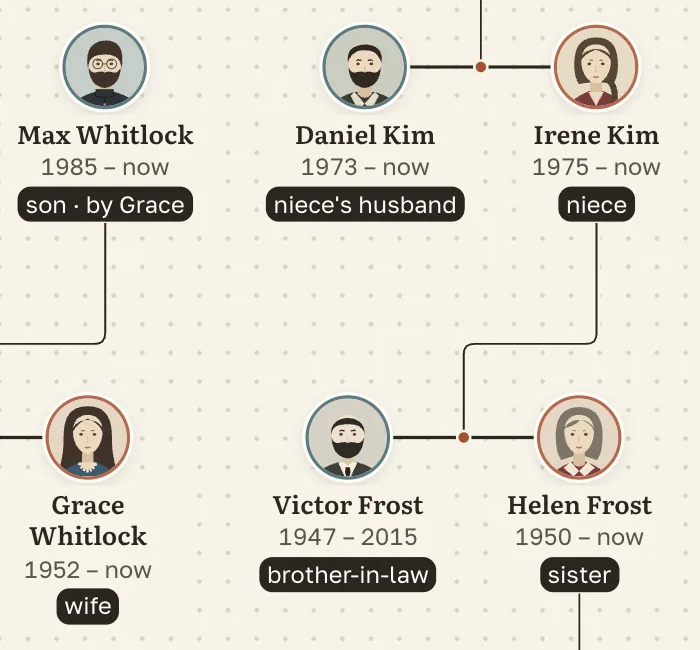
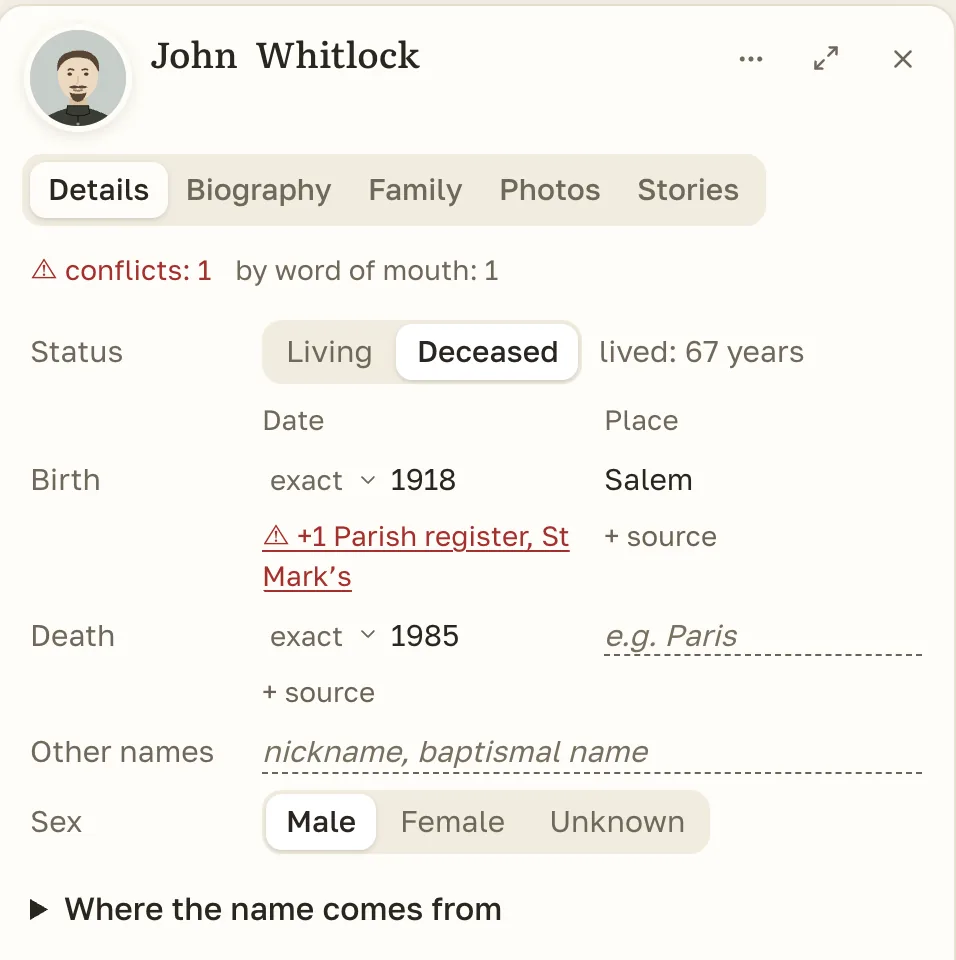
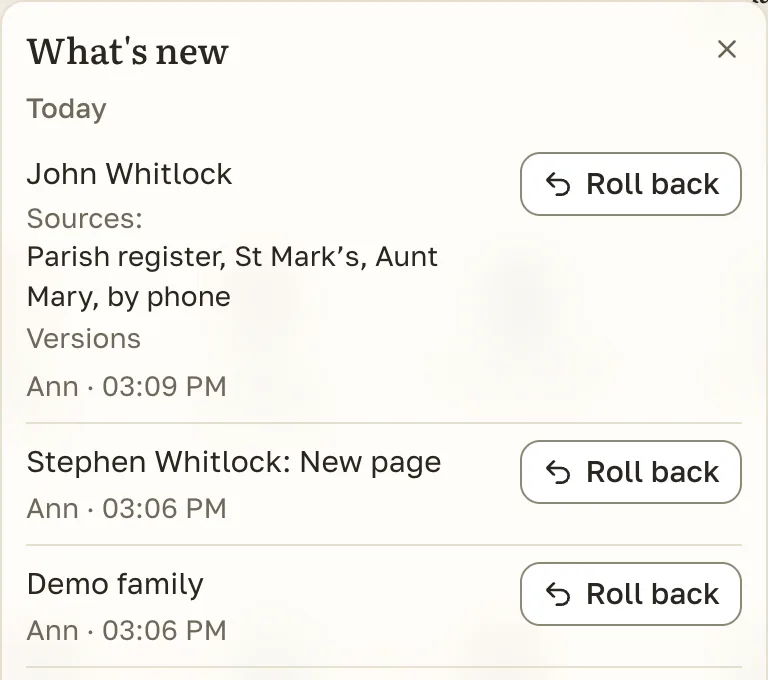
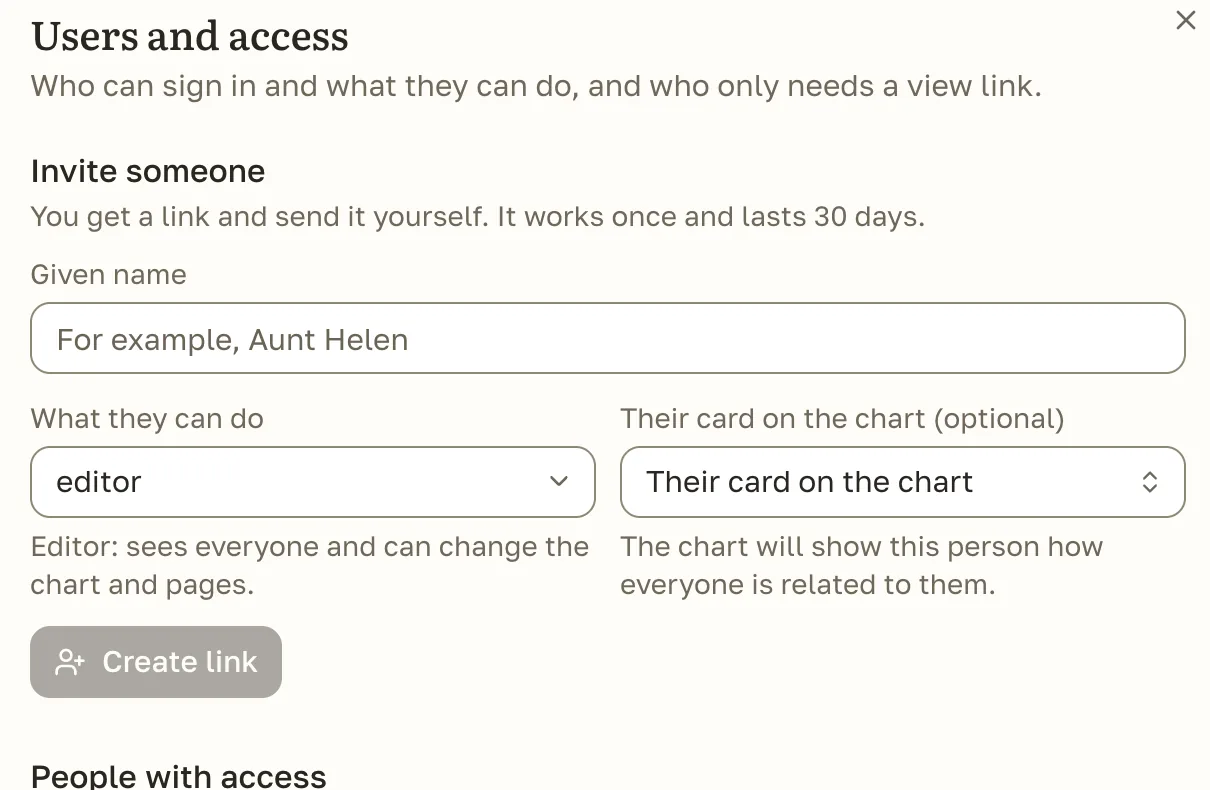
And also
Chapter six
How it compares with other family tree software
Each has its strengths. Folkbranch is for a family keeping its own archive; the big services are where you search the world’s records.
| Folkbranch | Gramps Web | webtrees | MyHeritage | Ancestry | FamilySearch | |
|---|---|---|---|---|---|---|
| Archive on your own server | ||||||
| Free, no paid plan | ||||||
| Hosted for you, nothing to set up | ||||||
| Relatives record stories in the browser | ||||||
| Relatives add without an account | ? | ? | ||||
| AI suggests, you confirm | ||||||
| Your own AI agent can connect | ? | ? | ? | |||
| Faces matched on your device | ? | ? | ? | |||
| Billions of records, DNA |
yespartly, or with an add-on or a paid planno?not checked
Gramps Web 26.11.1 and webtrees 2.2.6 checked on 8 November 2026 against their code and documentation; the big services against their public help pages. Each one’s own documentation is the authority.
Chapter seven
You don’t have to type a thing. Your AI sets it up.
Copy one line, paste it into Claude Code, Codex or Cursor. It follows the open install guide in our repository: it asks whether to install on this computer or on a server, then installs, opens the archive and connects itself. It stops before anything that needs your password or money.
Works with Claude CodeCodexCursor
- 1Open your AI
- 2Paste, press Enter
- 3Answer two questions
- 4Name your family
Prefer to do it yourself?
On a Mac or Linux, paste this into Terminal:
curl -fsSL https://raw.githubusercontent.com/danarkhipov/folkbranch/main/install.sh | sh
Or, in Claude Code:
/plugin marketplace add danarkhipov/folkbranch
Questions people ask
Is Folkbranch really free?
Yes. It is open-source family tree software under the AGPL-3.0 licence, with no paid plan. If you want relatives to reach it from anywhere, you pay only for the server you choose. The cloud assistant and speech services are optional and use your own key.
Where is my family’s data stored?
On your computer or your server, in one SQLite database and a folder of photos. Nothing is sent to us. The server makes a copy of the database every day, and you can download a full copy at any time.
Do my relatives need to install anything?
No. They open a link in the browser on a phone or a computer. To answer a question by voice they do not even need an account.
Can I bring my tree from Ancestry, MyHeritage or Gramps?
Yes. Export a GEDCOM file there and import it here; GEDCOM 5.5.1 and 7.0 are supported, as are Excel, CSV and plain text. Photos can come along with the file.
Does the AI see my family’s data?
Faces and speech are handled on your own device. The cloud assistant is off until you add a key; once on, what it reads goes to the provider you picked, or stays home with a local model. Its edits wait for your confirmation.
What happens if the project stops?
Your archive keeps working. The code is open, the data is a standard SQLite file, and GEDCOM exports open in any family tree program.
Do I need my own server or technical skills?
No. Your AI installs it on the computer you already have, and you open it in the browser. A server is only needed if relatives should reach it from anywhere; your AI can set that up too.
Does it run on Windows?
The one-line install is tested on Mac and Linux. On Windows or a server, it runs in Docker; your AI can set that up for you.